
Android app
What's for supper tonight?
SupperTime starts from what you already have. It keeps track of your pantry, suggests suppers you can make, plans the week dinner-first and builds the shopping list from the plan.
A side-loaded APK, not on the Play Store. No account, no sign-in, no ads.
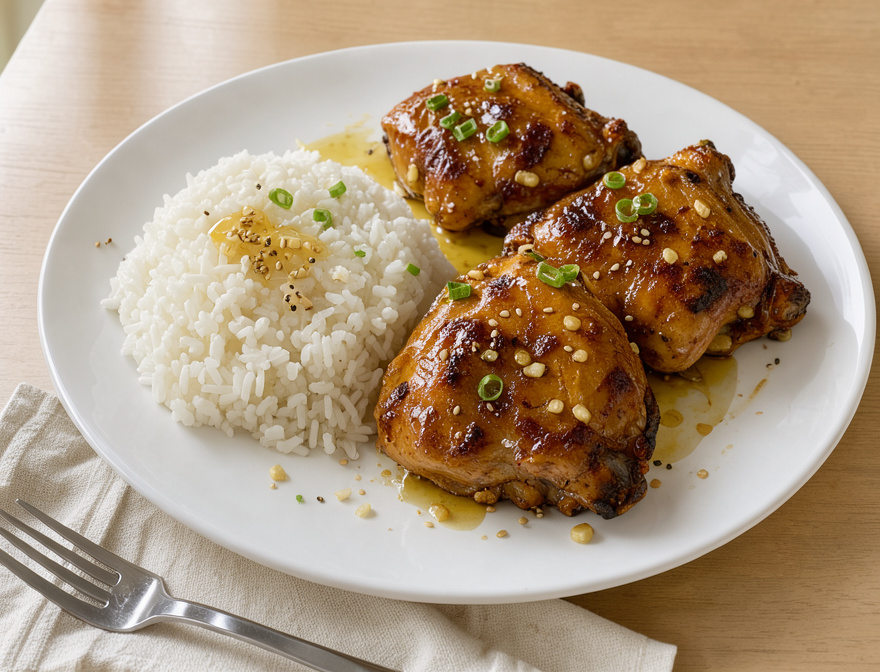 AI image
What it does
Five tabs, from fridge to table
Each tab does one job, and each one feeds the next.
-
Step 1: Tonight
Suppers from what you have
Recipes that use up what expires first, and fresh ideas when you ask.
-
Step 2: Pantry
Scan a shelf or a till slip
A photo lists what it sees for you to check. Barcodes and receipts work too.
-
Step 3: Plan
The week, dinner-first
Plan dinners or every meal. Last night's dinner becomes today's leftovers.
-
Step 4: Shop
A list built from the plan
It leaves out what you have and groups the rest by aisle.
-
Step 5: Cook
Hands-free, step by step
Say "next", "back" or "repeat". Steps are read aloud in an online voice, or your phone's own, and timers start from the recipe.
Household
Share with your household, if you want to
Two or more phones can share one shopping list and one plan. One phone shows a join code and the others enter or scan it. Sharing is off until you turn it on.
AI images
A picture for every AI recipe
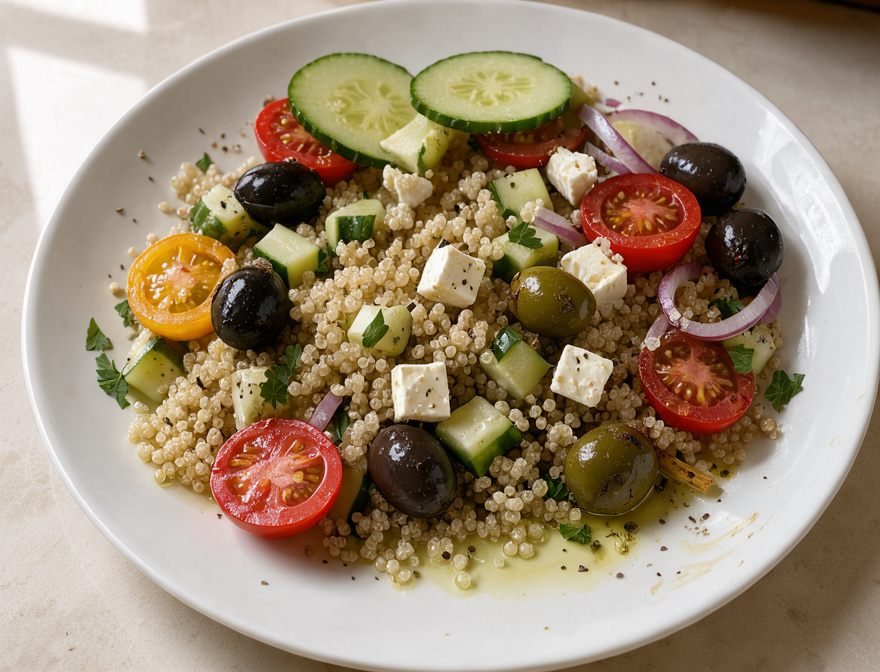
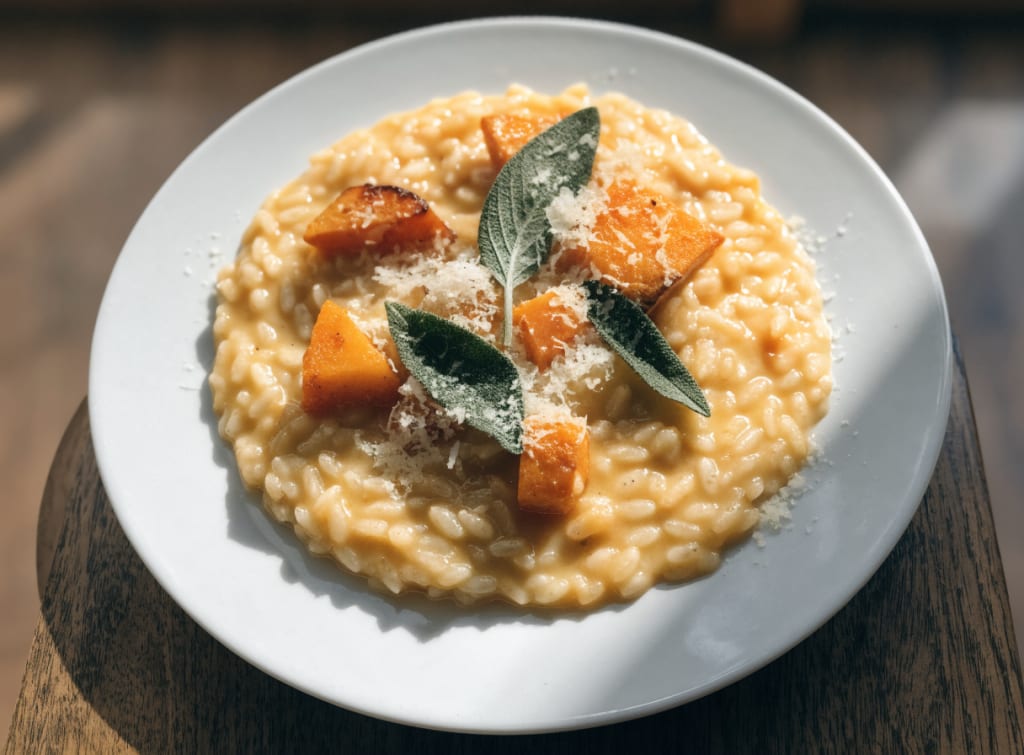
Recipes created with AI get a generated image, always labelled "AI image". A photo you take of the dish replaces it.
Download
Get SupperTime for Android
For Android phones. It installs over the build you already have and keeps your data.
Checking for the latest build…
This is a test build: the newest work in progress, published for testing before it becomes the regular download. It may be less stable. Get the regular download
This build includes work that wasn't committed yet, so it may be less stable than usual.
File details
SHA-256
Installing
- Tap Download, then open the file when it finishes.
- If Android asks, allow your browser to install apps, then tap Install or Update.
- It installs over the version already on your phone and keeps your data. Settings → About shows the build you're running.
What changed
Privacy
Your data stays on your phone unless you share
No account, no analytics, no advertising. Photo scanning, recipe ideas and the online voice send only what each one needs, and only when you use them.